One window, clearly selected
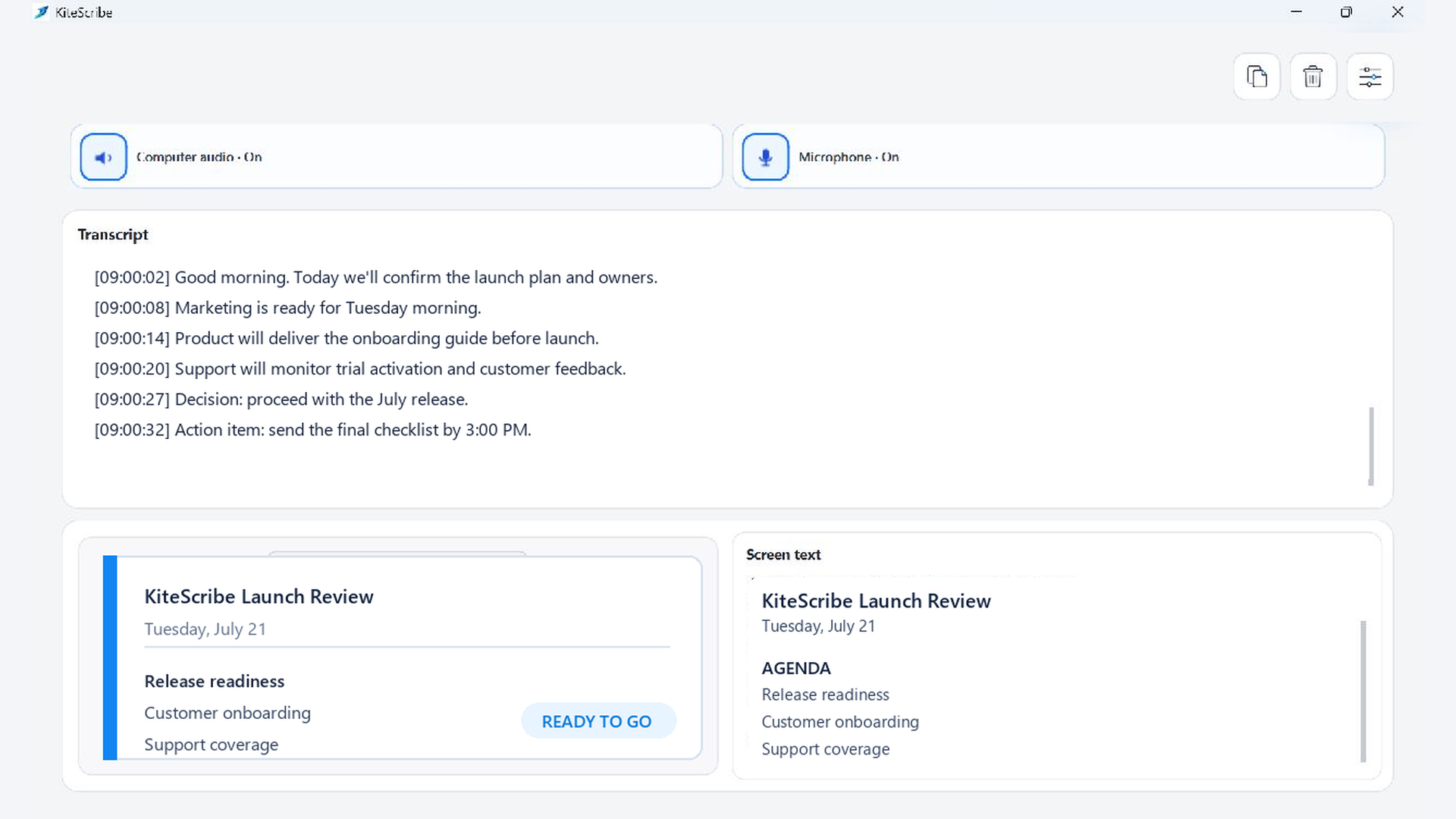
Choose the window you need, confirm it in the live preview, and watch its text appear beside the conversation. Click the preview whenever you want to choose a different window.
Useful for
- Release reviews with versions and checklist items.
- Presentations with names, dates, and key terms.
- Research or support sessions where visible details matter.
From context to action
Keep names, dates, versions, and status details with the conversation, then copy or save everything together.