Private by design
Your captured audio, screen text, and transcripts stay on your Windows PC.
Private live transcription for Windows
KiteScribe turns computer audio, microphone speech, and text from a selected window into one useful transcript — processed on your PC.
Start with a free trial. Continue with one straightforward purchase.
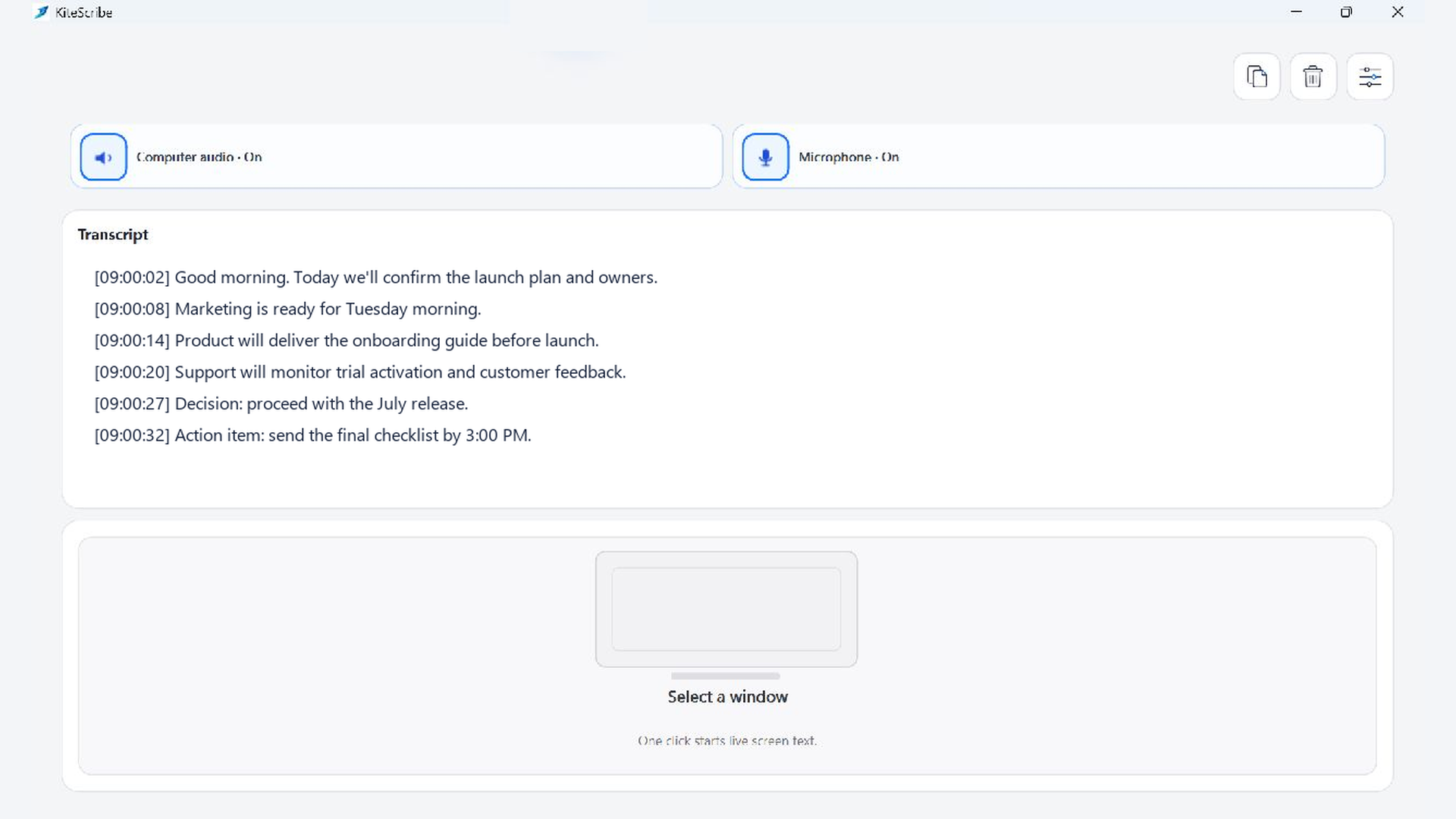
Everything you need in one place
Turn computer audio and microphone speech into a live transcript.
Bring useful text from one selected window into the same view.
Copy or save the result and move directly to your next action.
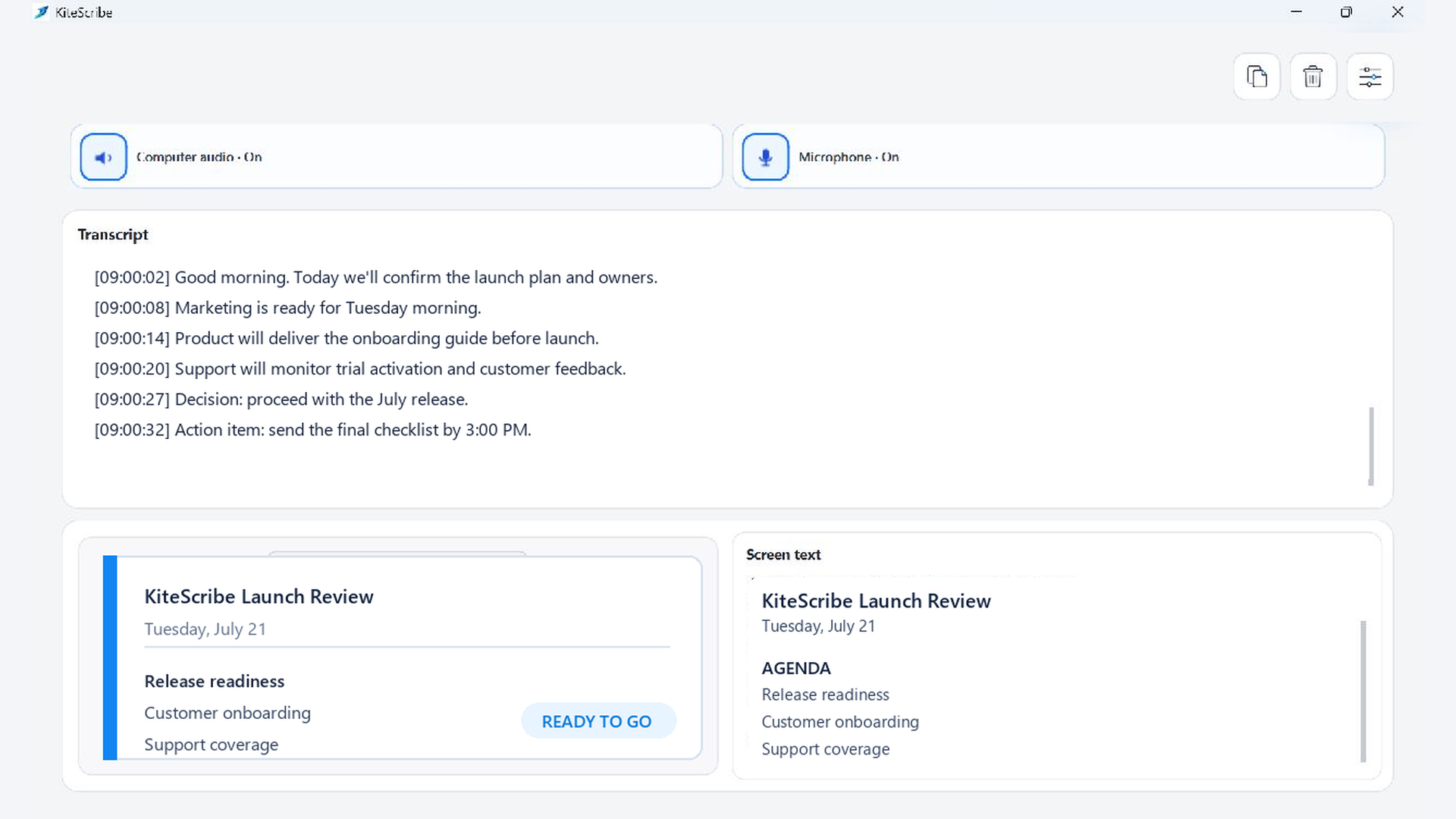
Screen context, without screen sprawl
Choose the application you need. KiteScribe shows its live preview and places locally recognized screen text next to the audio transcript. Click the preview again to pause or choose another window.
Keep the words you hear and the details you see together in one useful record.
Private by design
Your captured audio, screen text, and transcripts stay on your Windows PC.
Open KiteScribe and get to work without creating a KiteScribe profile.
You decide what to copy, save, keep, or delete.
Simple individual pricing
Start with the free trial, then make one purchase at the regional price shown in Microsoft Store.
See price and start freeKiteScribe for organizations
Get a signed direct installer, organization license, setup guidance, and security-review materials for a confident team evaluation.
Start with the real product